 |
PuTTYgenSSH key generator included with the PuTTY suite |
||||||||||||||||
|
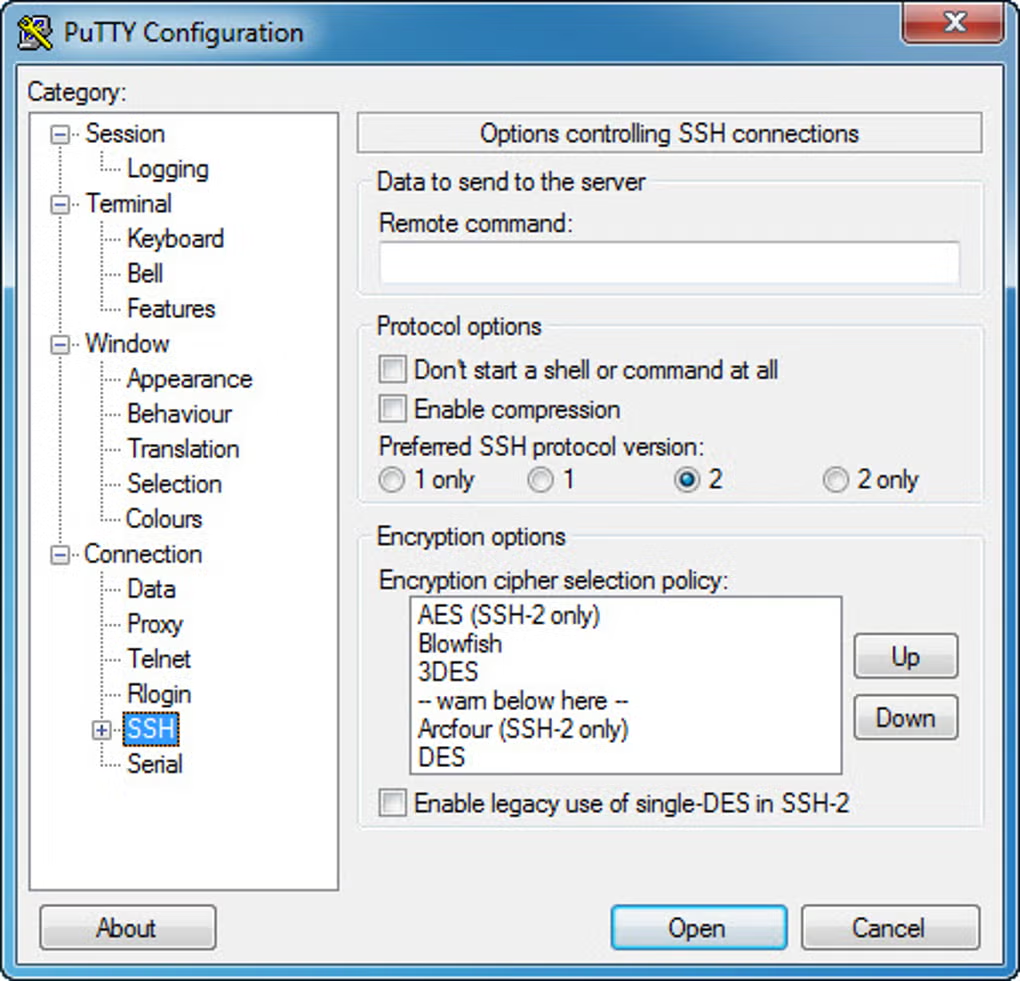
PuTTYgenPuTTYgen is the key generator that ships with PuTTY. It creates public and private SSH keys in PuTTY’s native What it does
Typical useUse PuTTYgen when you need key-based login to servers, cloud VMs, or Git over SSH from Windows. Pair the private key with Pageant or specify it in PuTTY’s connection settings. For an overview of the full bundle (PSCP, PSFTP, Plink, Pageant), visit the PuTTY home page or download section. More helpInstallation options, your first SSH session, and PSCP/PSFTP basics are covered on the How to use page. Downloads use only this site’s Download flow. Get PuTTY (includes PuTTYgen on Windows) |
||||||||||||||||
| PuTTY · download-putty.org · Free open-source SSH client and utilities. . |